Prod Guard & Contextual Protection
Prod Guard is Shellit’s real-time terminal protection mechanism designed to intercept destructive commands before they execute on critical infrastructure.
How Prod Guard Works
Whenever you open an SSH session to a host marked with the PROD tag:
- The terminal tab, header border, and workspace background highlight with an unmistakable crimson security border.
- A prominent
PROD GUARD ACTIVEshield appears in the session status bar. - The underlying PTY input stream is monitored in real-time by a local AST and regex engine before newline characters (
\n/\r) are transmitted over the SSH channel.
Intercepted Command Patterns
By default, Prod Guard blocks and requests explicit manual confirmation for hazardous operations:
- Recursive root deletion:
rm -rf /,rm -rf /*,rm -rf --no-preserve-root; - Block device formatting and overwriting:
mkfs.*,dd if=... of=/dev/sd*,fdisk; - Database destruction in interactive shells:
DROP DATABASE,DROP TABLE,TRUNCATE TABLE; - Cluster and orchestrator disruptions:
kubeadm reset,systemctl stop kubelet,systemctl stop docker,docker system prune -a --volumes; - Dangerous permission alterations:
chmod -R 777 /,chown -R root:root /.
When a destructive pattern is matched, execution is halted and a high-contrast modal dialog appears with details of the command, affected host, and requires typing a confirmation code or clicking “Authorize Once”.
Session Auditing & Security Policies
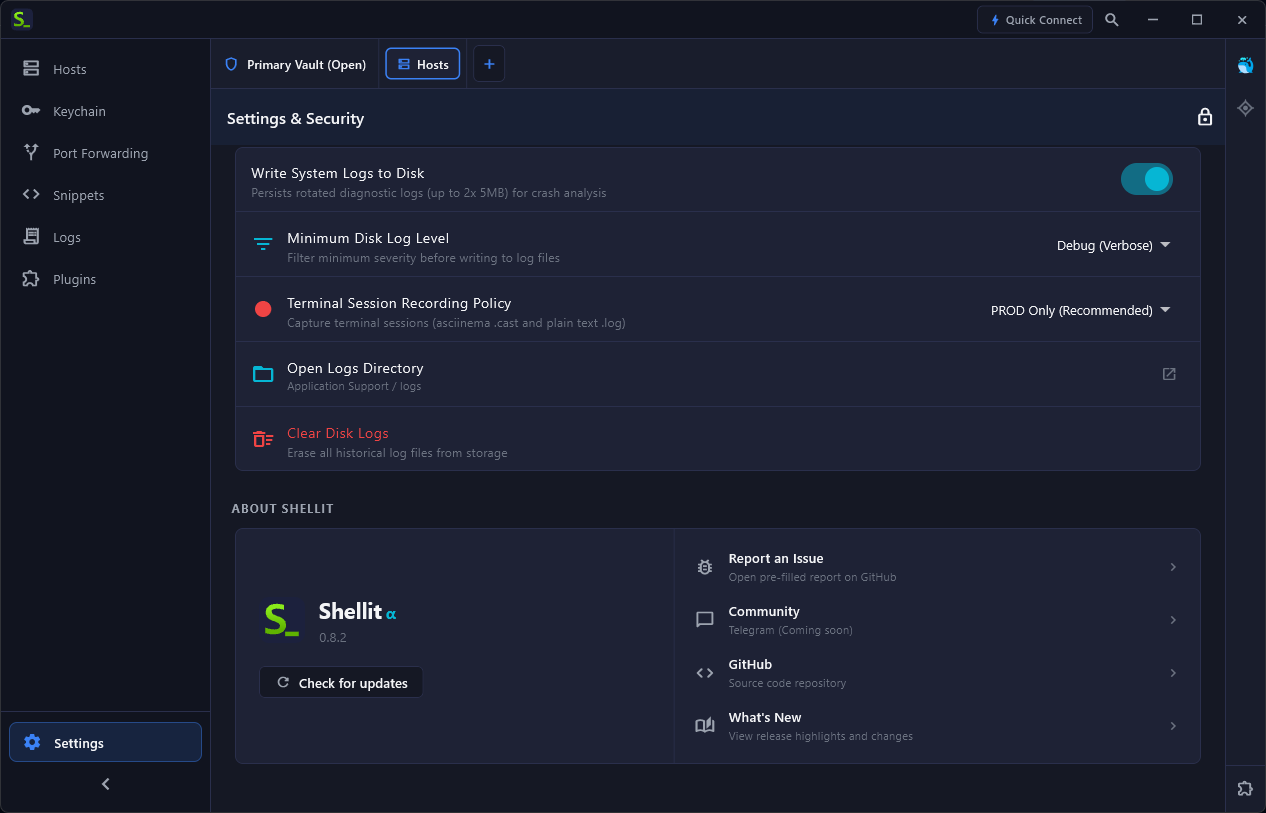
In Shellit’s Security settings, you can configure comprehensive session auditing policies (e.g., “Record Sessions on PROD Only”), local on-disk audit logging, and automated terminal buffer memory wiping upon window minimization: