
How to Protect Production Servers from rm -rf & Destructive Commands
Every DevOps engineer and system administrator has experienced that heart-stopping moment: pressing Enter in the wrong terminal tab only to realize you just wiped an essential directory or stopped a mission-critical cluster service.
In this practical guide, we will explore how Prod Guard in Shellit provides real-time PTY-level interception for destructive commands before bytes ever touch the remote SSH socket.
Anatomy of an Incident: Why Production Accidents Happen
Accidental production outages rarely stem from a lack of technical expertise; they are almost always caused by cognitive overload and context fragmentation:
- Multi-Tab Context Confusion: When juggling 10 open tabs (local bash, staging containers, dev testbeds, and production nodes), sending
rm -rf *to the wrong window is alarmingly easy. - Unset Environment Variables: Scripts like
rm -rf $CACHE_DIR/expand torm -rf /if the variable is uninitialized or typoed. - Typo in Path Slashing: An accidental space between a slash and directory (
rm -rf / .cacheinstead ofrm -rf ~/.cache). - Clipboard Paste Jacking: Pasting multi-line snippets that contain trailing hidden newlines (
\n).
Step 1: Assigning the PROD Environment Tag
Prod Guard defense is automatically governed by Shellit’s environment tagging system:
- Locate the target server in your host catalog (or press
Ctrl+E/Cmd+Eon its card). - Set the Environment dropdown to
PROD(Production). - Optionally specify host critical role tags (e.g.,
Database Cluster,Payment Gateway). - Save the host configuration.
From this moment on, whenever you establish an SSH connection to this node:
- The terminal tab displays an unmistakable crimson
PRODbadge. - The active window is wrapped in a vibrant danger border.
- The terminal status line displays
[🛡️ PROD GUARD ACTIVE].
Step 2: How Real-Time PTY Stream Interception Works
Unlike fragile shell aliases (alias rm='rm -i') that can be bypassed using /bin/rm or subshells, Prod Guard operates directly inside the terminal emulator:
[Operator Keystrokes] │ ▼[Shellit PTY Buffer Stream] ──► (Token parsing & regex pattern matching) │ ├───► Dangerous command? ──► [NO] ──► Immediately sent to SSH socket │ └───► [YES!] ──► Suppress \n transmission & trigger authorization modalThe terminal client continuously monitors the current command line buffer. When you press Enter, Shellit inspects the assembled line. If a hazardous pattern is identified, the newline character (\n) is withheld from the remote SSH socket.
Step 3: Default Intercepted Hazardous Commands
On hosts flagged as PROD, Shellit intercepts and demands explicit authorization for:
1. Recursive Root & Directory Deletion
rm -rf /andrm -rf /*rm -rf .andrm -rf *rm -rf --no-preserve-root
2. Block Storage Formatting & Overwriting
mkfs,mkfs.ext4,mkfs.xfsdd if=... of=/dev/sd*orof=/dev/nvme*fdisk,parted,wipefs
3. Database Destruction in Interactive Consoles
DROP DATABASE ...;DROP TABLE ...;TRUNCATE TABLE ...;
4. Critical Service and Cluster Termination
systemctl stop docker/systemctl stop containerdsystemctl stop kubeletkubeadm resetdocker system prune -a --volumes -f
Step 4: The Interception Experience & Authorization Modal
When a command triggers Prod Guard, execution pauses instantaneously and an alert modal appears:
- Full Command Inspection: The exact command string with all arguments is rendered in monospace for unambiguous verification.
- Context Reminder: The target server identifier and IP (e.g.,
prod-db-master (198.51.100.10)) are displayed in bright crimson. - Intentional Confirmation: To proceed, simple accidental keypresses are disregarded. The user must explicitly click “Authorize Once” or enter the required confirmation code.
Advanced: “PROD Only” Session Recording Policy
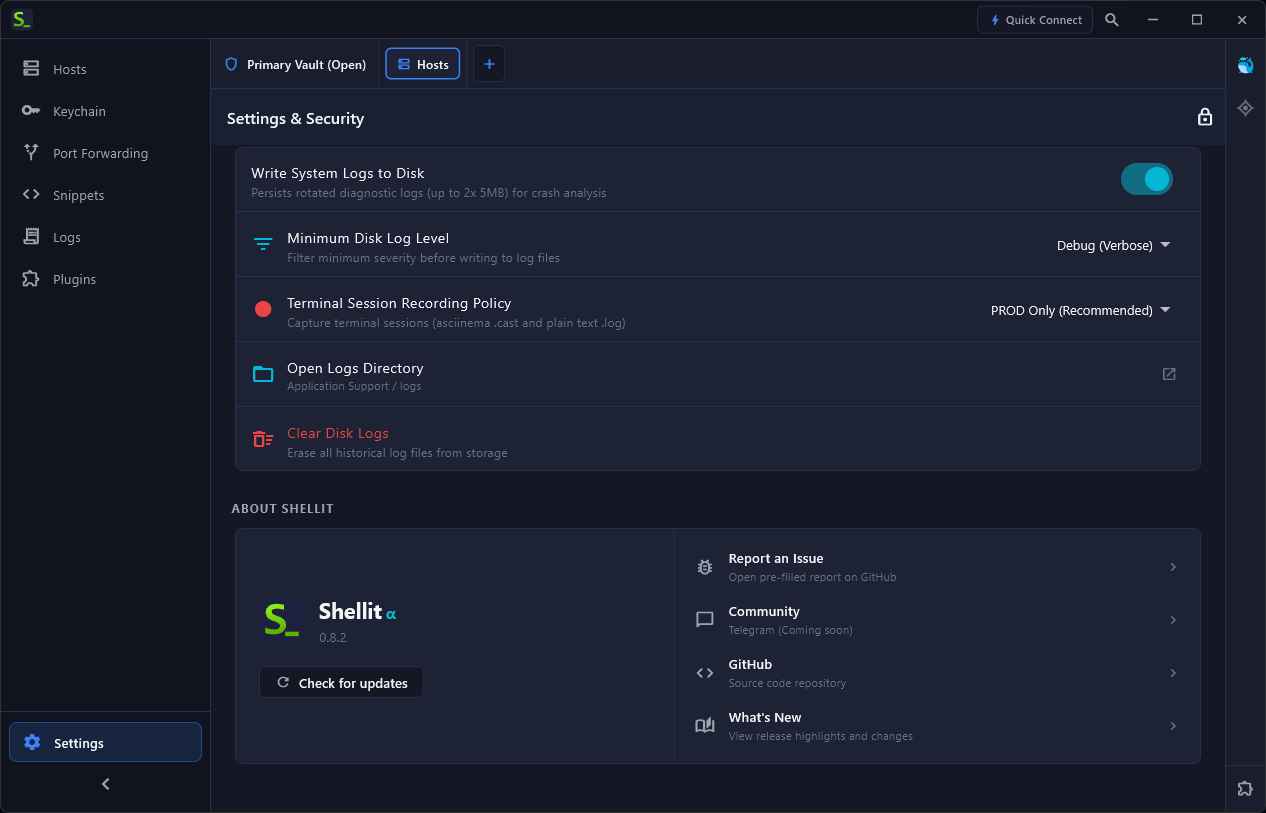
To satisfy enterprise compliance standards (SOC 2, ISO 27001, HIPAA), navigate to Settings → Security:
- Record PROD Sessions Only: Leave dev and staging unlogged, while automatically streaming and signing encrypted asciinema session logs for all production nodes.
- Auto-Clear Clipboard: Automatically zeroes the system clipboard 30 seconds after copying SSH passwords or secrets.