
How to Set Up E2EE Sync for SSH Keys and Servers
Synchronizing server lists, credentials, and configurations between work laptops, desktop rigs, and mobile phones is essential for modern workflow productivity. However, entrusting private SSH keys, server endpoints, and credentials to closed-source third-party cloud providers introduces serious infrastructure exposure risks.
In this practical tutorial, you will learn how to deploy your own self-hosted Shellit synchronization relay in under 2 minutes and configure true end-to-end Zero-Knowledge encryption (E2EE) across all your devices.
The Zero-Knowledge E2EE Architecture
Shellit’s Zero-Knowledge model guarantees that the relay server never possesses the cryptographic means to inspect your data:
- Client-Side Encryption: All vault contents (IP addresses, ports, SSH private keys, passwords, snippets) are encrypted directly on your device using
XChaCha20-Poly1305orAES-256-GCM. - Hardened Key Derivation: The encryption master key is derived locally from your Master Password via
Argon2id(64 MB RAM, 3 iterations). Your Master Password never touches the network wire. - Blind Relay: The sync relay server receives opaque binary envelopes (
ciphertext + nonce + auth_tag) and saves them into an embedded SQLite database. Even in the event of total server compromise, the adversary captures only mathematically indistinguishable random noise.
Step 1: Self-Hosting the Sync Relay with Docker Compose
You can run the sync relay on any Linux machine, Raspberry Pi, or cloud VPS where Docker is available.
Create a working directory and a docker-compose.yml file:
mkdir -p ~/shellit-sync && cd ~/shellit-syncnano docker-compose.ymlAdd the following production-ready configuration:
version: '3.8'
services:  shellit-sync:    image: ghcr.io/shellit/sync-server:latest    container_name: shellit-sync    restart: unless-stopped    ports:      - "8080:8080"    volumes:      - ./data:/data    environment:      - PORT=8080      - DATA_PATH=/data/shellit-sync.db      - REGISTRATION_TOKEN=your-random-strong-secret-token-here      - MAX_PAYLOAD_MB=50
Start the service daemon:
docker compose up -dThe container starts in milliseconds, consuming only 15–25 MB of RAM under normal operational load.
Step 2: Securing with SSL/TLS via Reverse Proxy
For HTTPS and WebSocket upgrade support, place Nginx or Caddy in front of the container:
server {    server_name sync.example.com;
    location / {        proxy_pass http://127.0.0.1:8080;        proxy_http_version 1.1;        proxy_set_header Upgrade $http_upgrade;        proxy_set_header Connection "upgrade";        proxy_set_header Host $host;        proxy_set_header X-Real-IP $remote_addr;        proxy_read_timeout 86400s;        proxy_send_timeout 86400s;    }}
Step 3: Pairing Your Desktop Client
- Open Shellit on your desktop (Windows or Linux).
- Navigate to Settings → Sync.
- Under Provider Mode, select Self-Hosted Server.
- Enter your endpoint:
https://sync.example.com(orhttp://192.168.1.50:8080for private LAN). - Enter the
REGISTRATION_TOKENyou configured indocker-compose.yml. - Click “Test Connection & Register Device”.
- Enter your Vault Master Password.
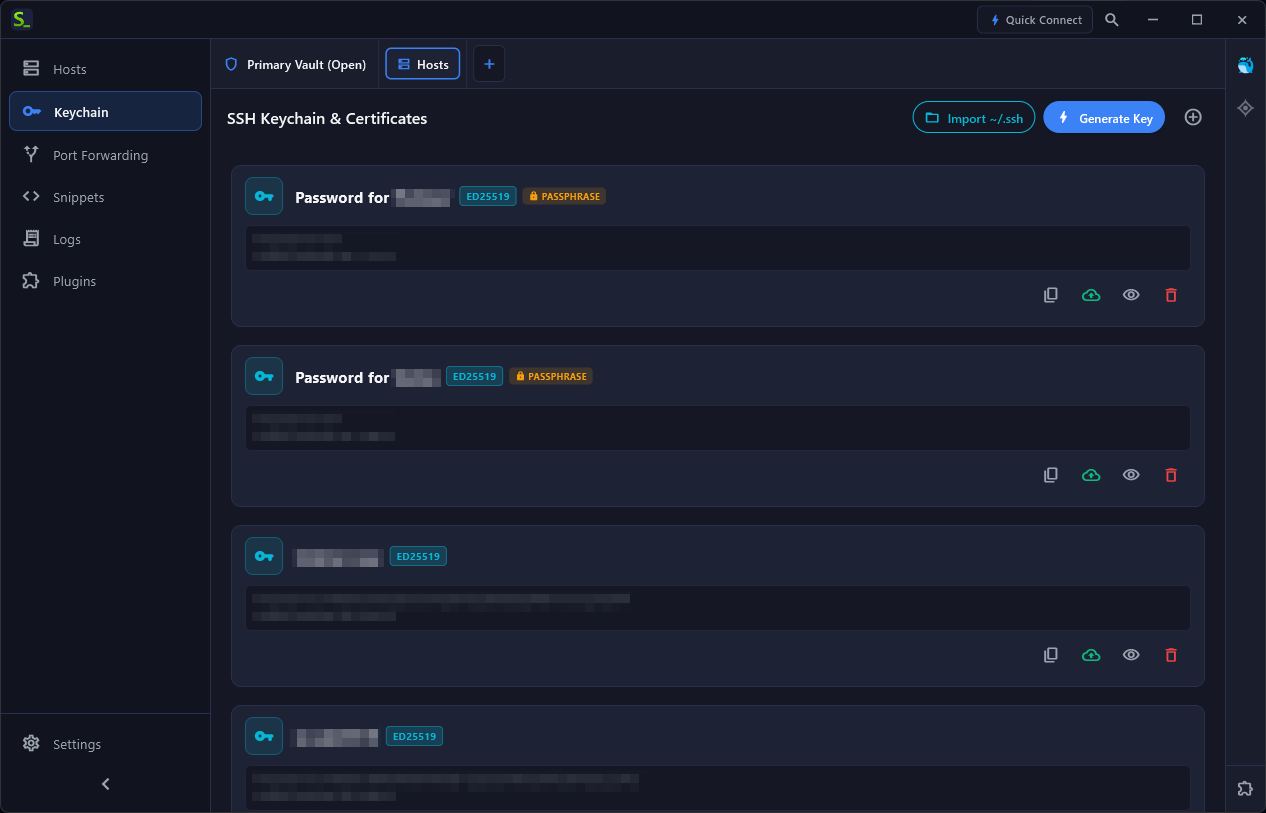
The client creates the initial encrypted database revision and pushes it to the relay server.
Step 4: Connecting Android Mobile Devices
- Launch Shellit on your Android smartphone.
- Select “Join Existing Vault”.
- Supply your sync relay endpoint
https://sync.example.comand registration token. - Enter the identical Master Password used on your desktop.
- Tap “Synchronize”.
The encrypted blob will be securely retrieved, integrity-verified via Poly1305 MAC, and decrypted in-memory. Your entire server catalog, SSH credentials, and environment tags are now accessible on mobile!
Real-Time Push Notifications via WebSockets
The sync relay maintains persistent bi-directional WebSocket connections:
- Whenever you add or edit a host on your computer, a
sync:revision_pushedsignal is dispatched. - Connected mobile clients fetch and apply the updated encrypted revision within 100–300 ms without requiring manual refresh taps.